Basics · 2 min read
Installing Eelay on Your Phone
How do I add the Eelay app to my phone's home screen?
On iPhone, open geteelay.com in Safari, tap Share, then Add to Home Screen. On Android, open geteelay.com in Chrome, tap the menu, then Install app or Add to Home screen. Eelay then opens like a regular app.
- One tap to your home's to-do list
- Full-screen, app-like experience
- No app store download
Step by step
iPhone: open Eelay in Safari
Go to geteelay.com in Safari and sign in. You'll see an Install Eelay banner at the bottom of the page.
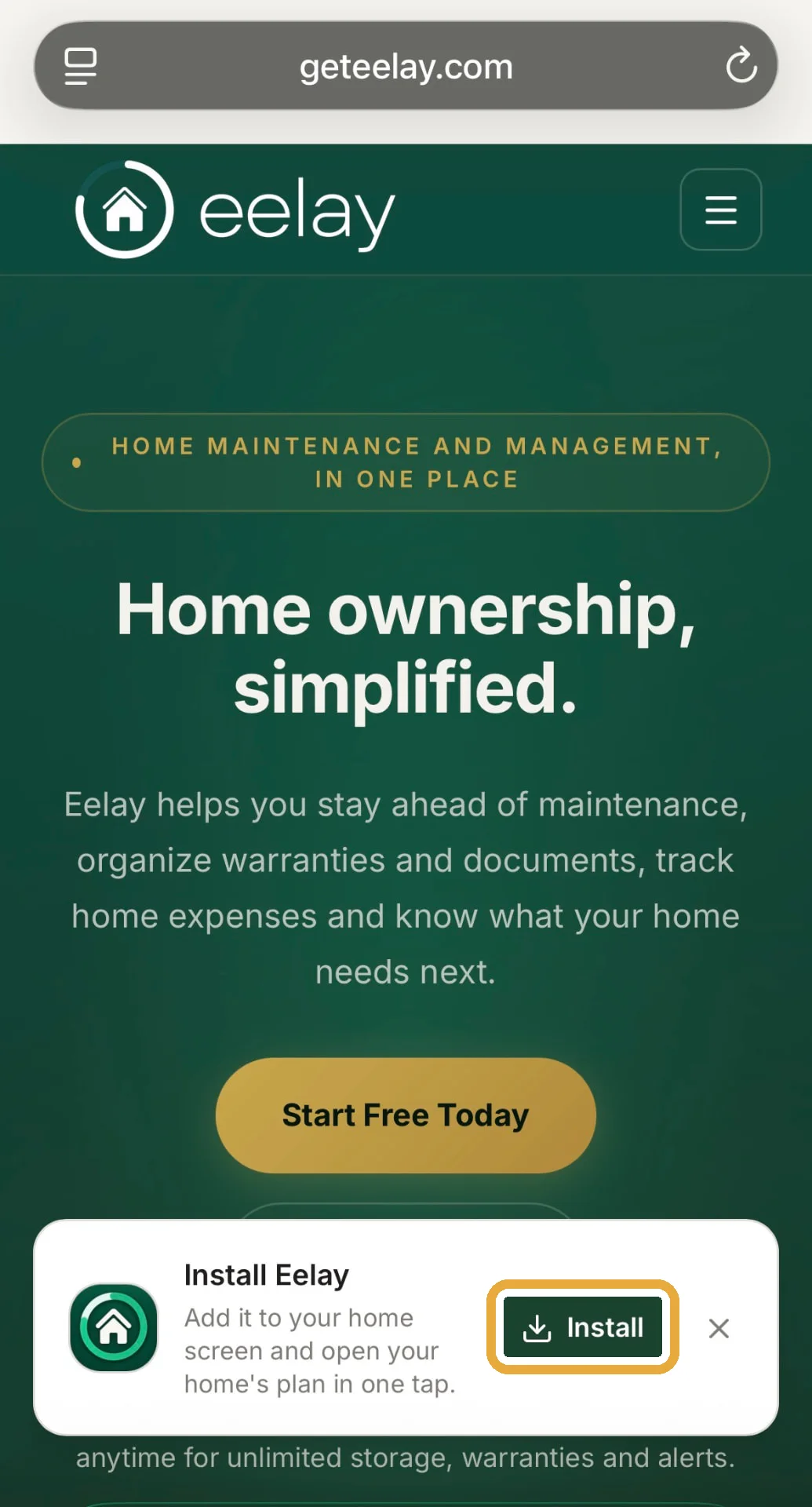
Tap the screenshot to see it full size. iPhone: tap Install
Tap the Install button on the banner. Eelay shows you the three quick steps to finish.
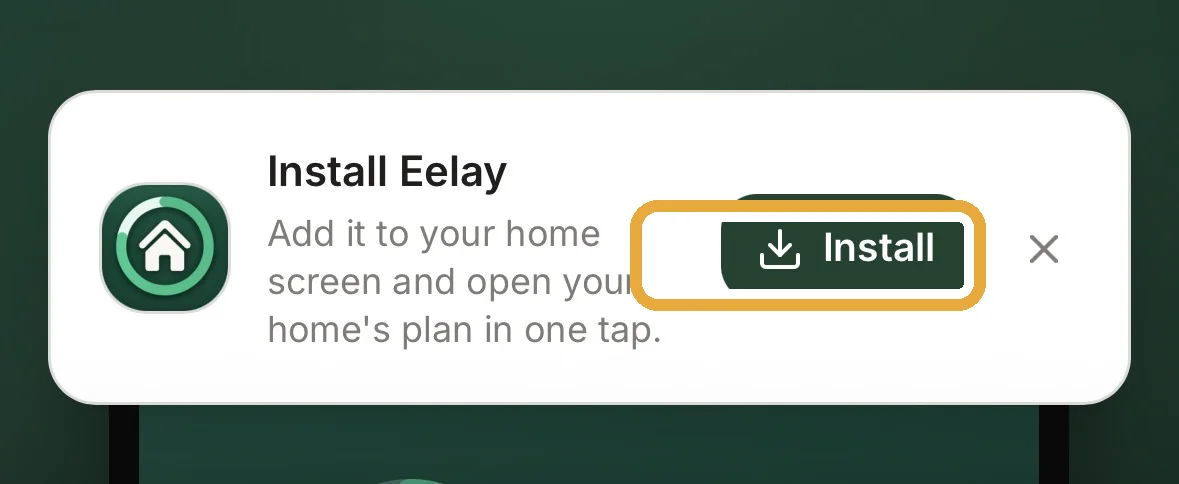
Tap the screenshot to see it full size. iPhone: tap the Share button
Tap the Share button — the square with an upward arrow — in Safari's bottom toolbar.
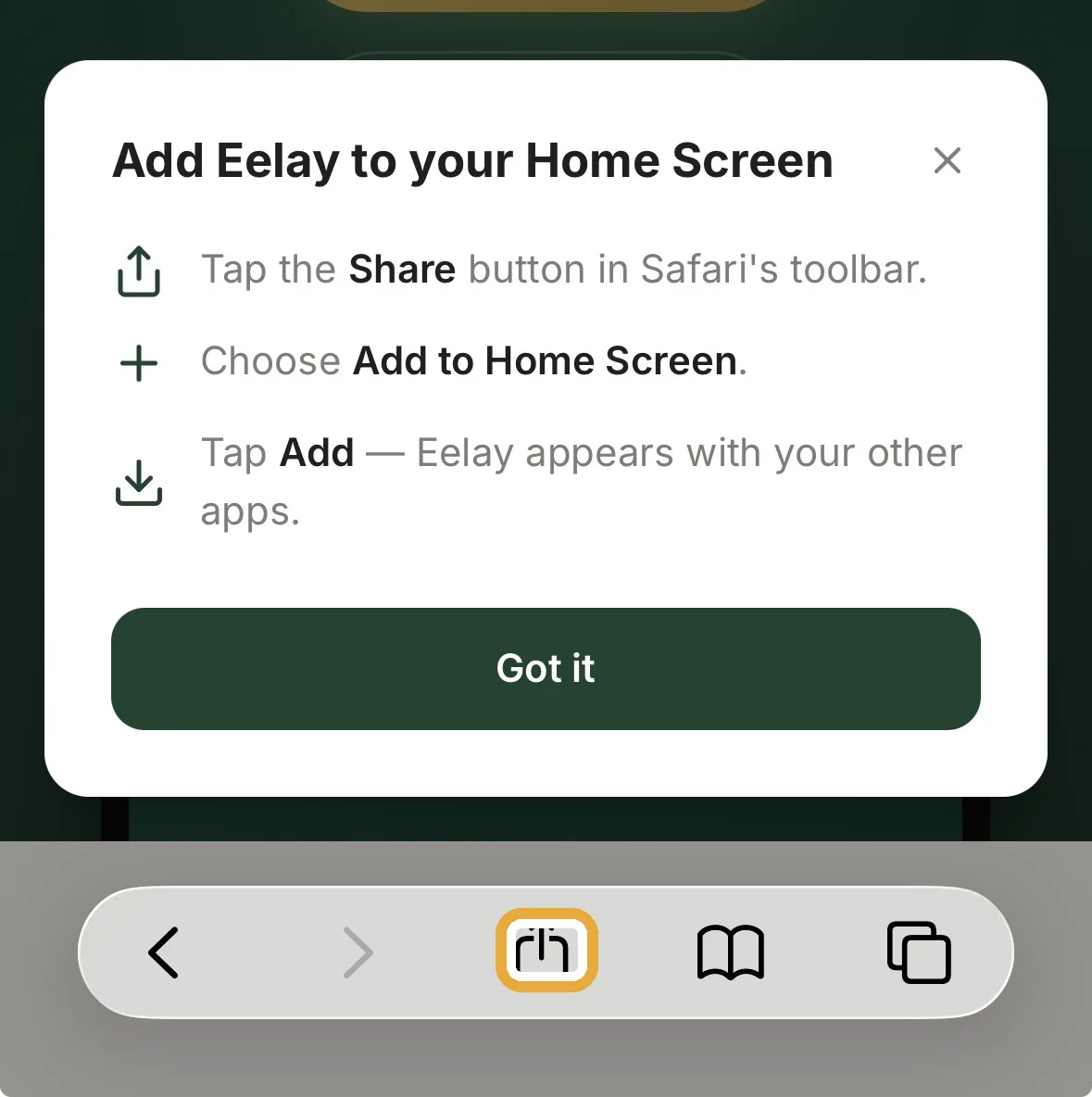
Tap the screenshot to see it full size. iPhone: choose Add to Home Screen
Scroll the share sheet if needed and tap Add to Home Screen.
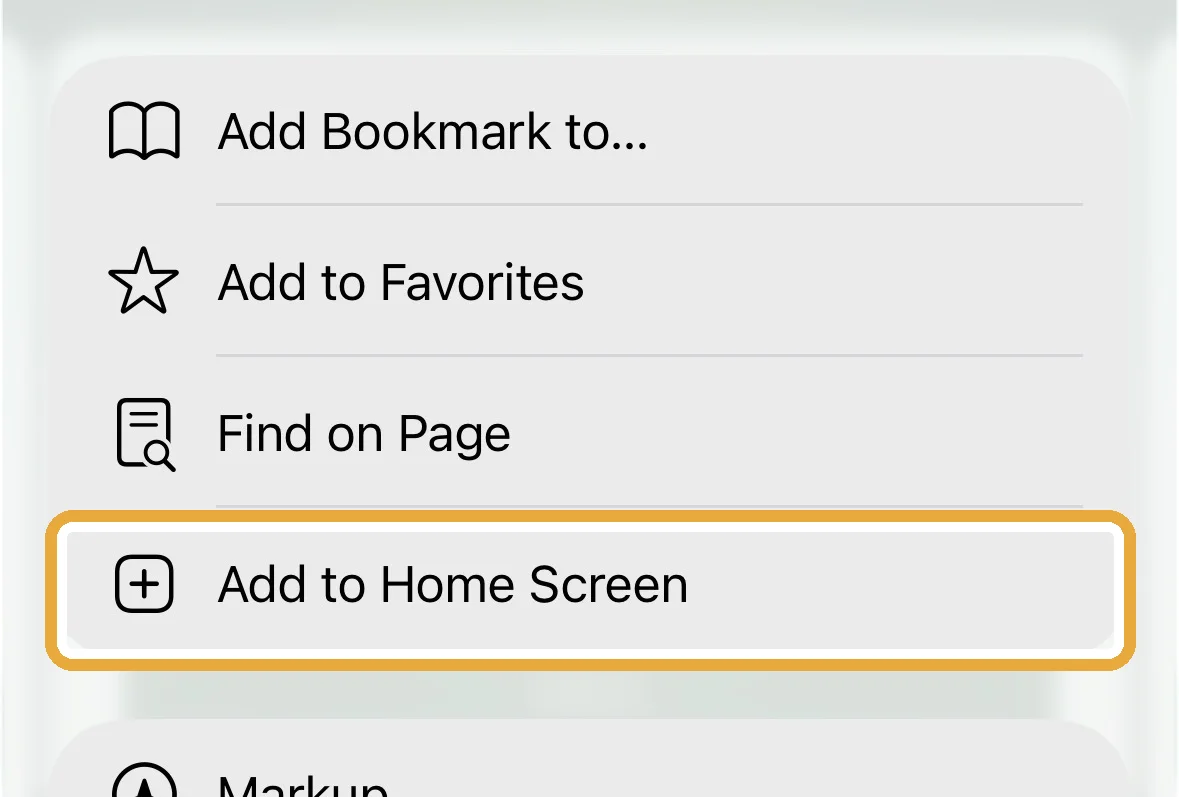
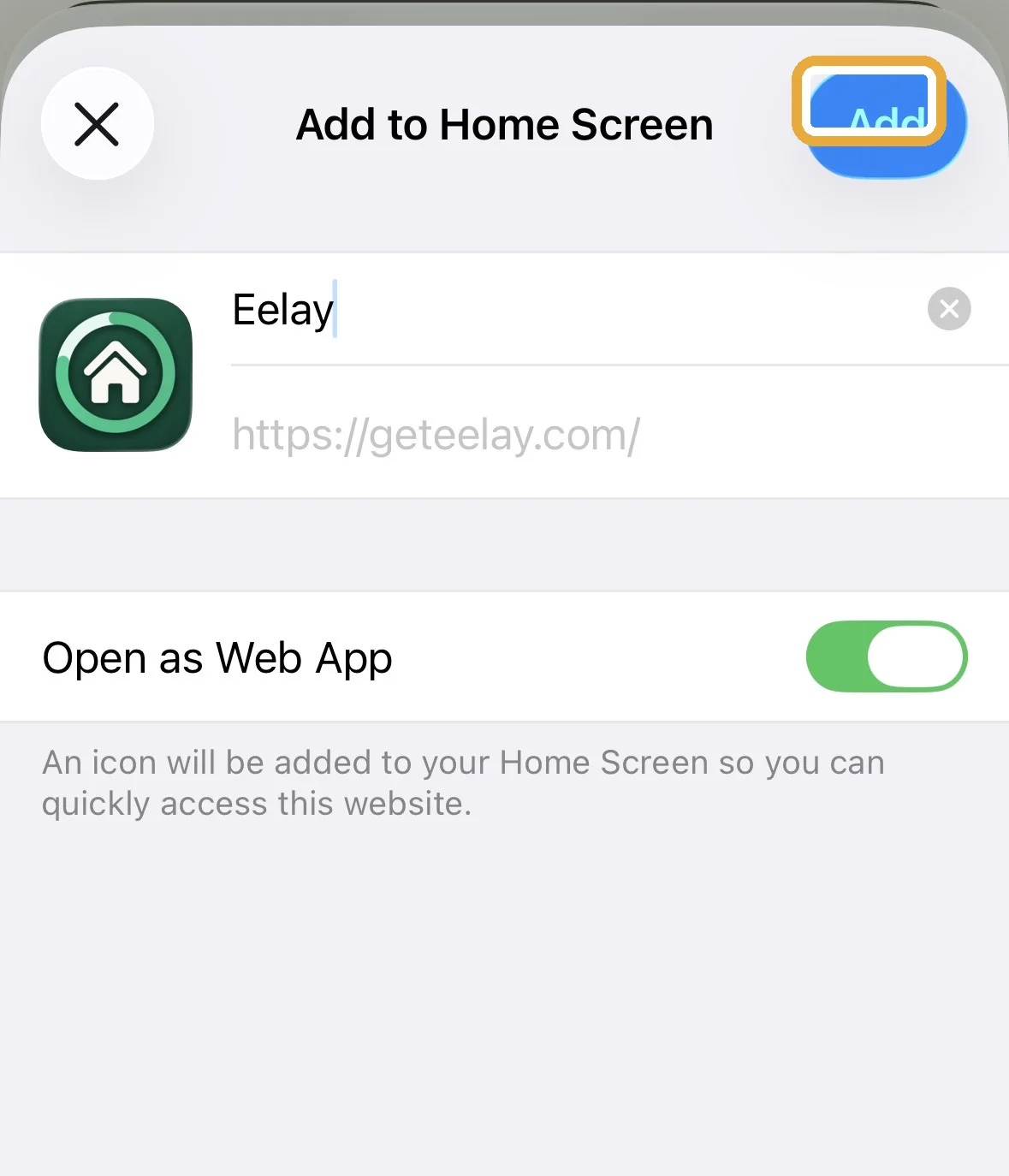
Tap the screenshot to see it full size. iPhone: tap Add
Tap Add in the top corner. You can rename the icon first if you like.
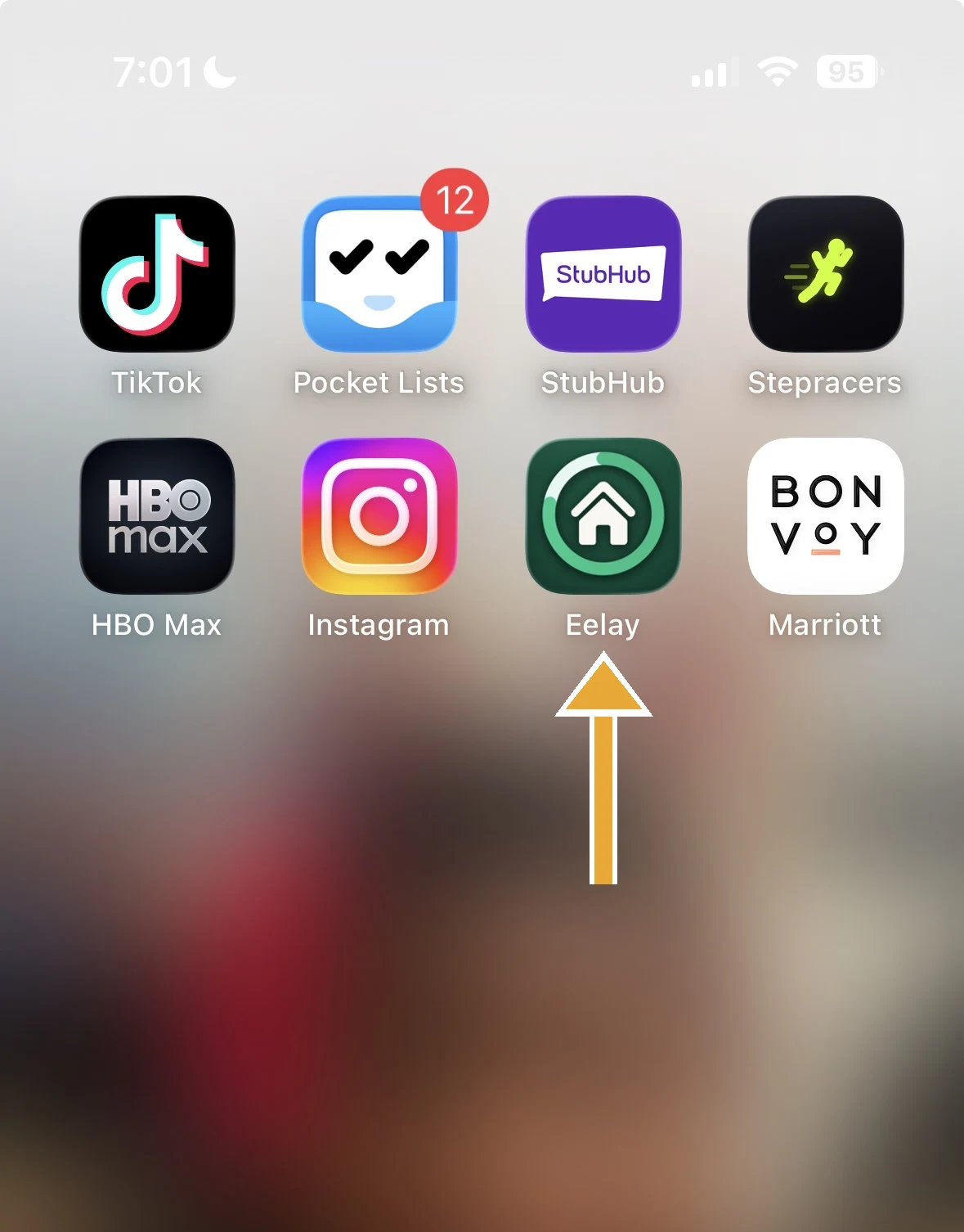
Tap the screenshot to see it full size. iPhone: find Eelay on your home screen
The Eelay icon now sits with your other apps. Tap it anytime to open your home's plan full-screen.
Tap the screenshot to see it full size. Android: open Eelay in Chrome
Go to geteelay.com in Chrome and sign in. You may see an install banner — tap it to install.
Android: use the menu
If there's no banner, tap the three-dot menu and choose Install app or Add to Home screen. The Eelay icon then appears with your other apps.
Common questions
- Is there an App Store app?
- Not yet. Eelay is web-only today, but native apps are on the way. In the meantime, adding Eelay to your home screen is quick and gives you a seamless app experience without downloading anything.